
Social Insurance Number (SIN)
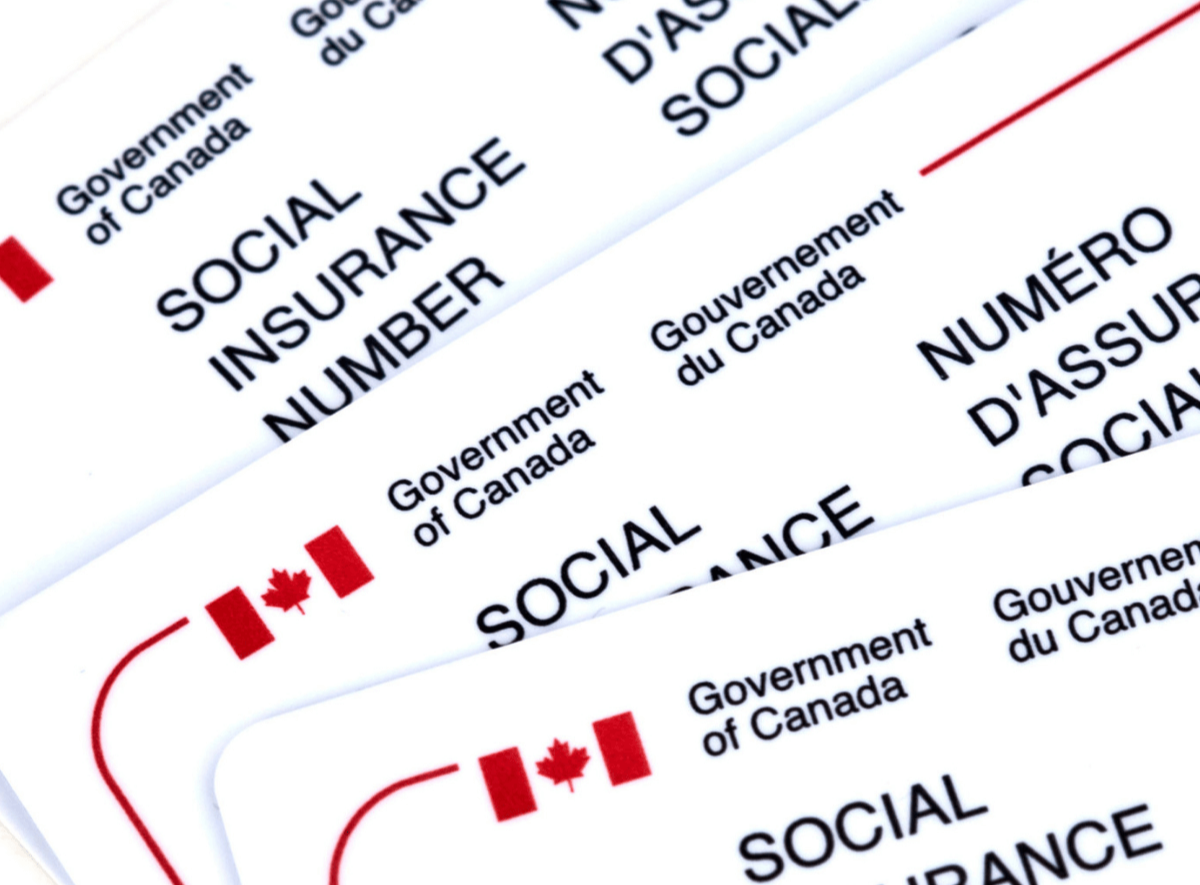
A Social Insurance Number (SIN) is a 9-digit number issued by the Government of Canada. You usually need it to work in Canada and to access some government programs and benefits.
Key points
Fast summary for newcomers.
- Keep your SIN private (like a password). Only share it when legally required.
- Most people apply online or in person through Service Canada.
- You do not usually need a SIN to rent a home or buy a phone plan.
Key reminders
Common documents and timing.
Bring original documents
Passport + permit (study/work) or PR card. Photocopies usually won’t work.
SIN starts with “9”
Temporary residents often get a “9” SIN tied to permit expiry—renew when your status changes.
First job checklist
You’ll need SIN for payroll, T4, and tax filing later.
What is a SIN and when do you need it?
Clear use-cases so you don’t overshare it.
You need it for
- Working in Canada (payroll + taxes).
- Filing your tax return and receiving tax slips.
- Some government programs/benefits (when required).
You usually DON’T need it for
- Renting an apartment (ask for alternatives).
- General ID at stores or memberships.
- Job applications (share only after hiring/payroll).
How to apply (simple)
Online or in person — choose what’s easiest.
Prepare documents
Have your original identity/status documents ready (passport + permit/PR proof).
Apply online or visit Service Canada
Online is convenient; in-person can be faster if you have everything ready.
Receive confirmation
You’ll receive your SIN confirmation details—store them safely and don’t share casually.
Protect your SIN
Common safety practices.
- Don’t carry the number in your wallet unless you must.
- Avoid sending it by DM/text. Use secure portals if required.
- Only give it to employers after hiring (payroll) and to official programs that require it.
Common mistakes
Avoid delays and oversharing.
- Applying with the wrong documents or expired status/permit.
- Sharing SIN on rental applications or random forms that don’t need it.
- Not updating/renewing your SIN when your temporary status changes.
Step-by-step preview
What you’ll do in the wizard.
Understand what a SIN is
A SIN is a 9-digit number used for work and taxes. You will use it for payroll and when filing taxes with the CRA.
Check your eligibility
You must have valid status in Canada (citizen, permanent resident, or temporary resident with authorization to work or study).
Prepare your documents
Required documents depend on your status. Temporary residents often use a passport plus a study or work permit. Bring original documents, not photocopies.
Choose how you will apply
You can apply online or in person at a Service Canada office. Mail may be available but is usually slower.
Receive your SIN confirmation
If your documents are accepted, you will receive a SIN confirmation. In person can often be same-day, while other methods may take longer.
Protect your SIN and use it safely
Share your SIN only with trusted official places (employer/payroll, CRA, some banks). Store it securely and avoid sharing it casually.
Glossary
Simple meanings for common terms.
Service CanadaA Government of Canada service that helps with programs like SIN applications.
CRACanada Revenue Agency (the organization that handles taxes).
Temporary residentA person in Canada on a permit (for example, study or work permit).